Getting started
What is any.site?
any.site gives maintenance experts access to production knowledge and connects bot providers and maintenance specialists. This accelerates maintenance processes and increases operational efficiency. AI-powered knowledge twins, so-called Knowledge Bots, provide information directly and help resolve failures more quickly. The Knowledge Bots are provided by bot providers via any.site and combine the expertise of bot providers with that of maintenance experts, reducing complexity and making knowledge immediately available.
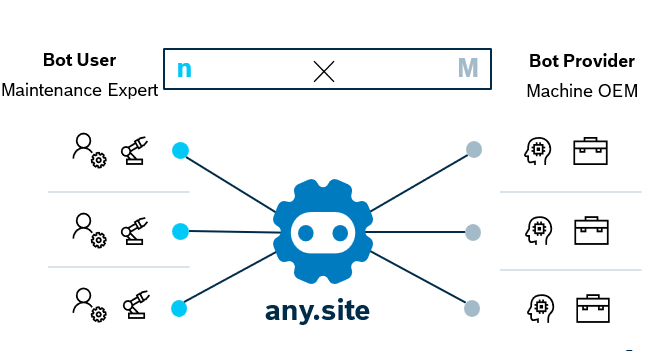
What is a bot?
A Knowledge Bot is a specialized AI chatbot that uses natural language understanding to retrieve and synthesize precise, context-aware answers from an approved knowledge base (e.g., manuals, FAQs, policies), while enforcing access controls and privacy.
Create an account
-
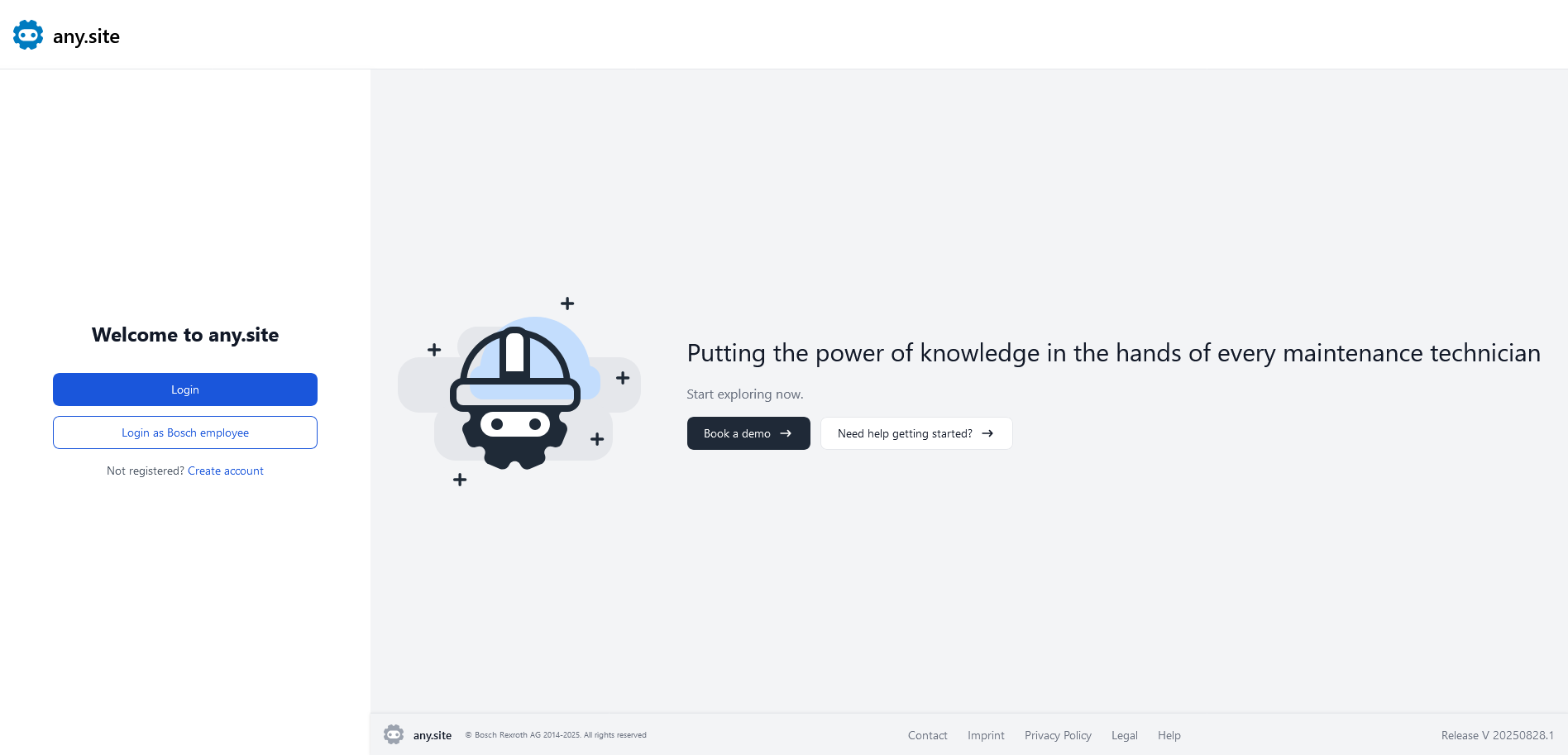
Open the any.site homepage and click Create an Account.
-
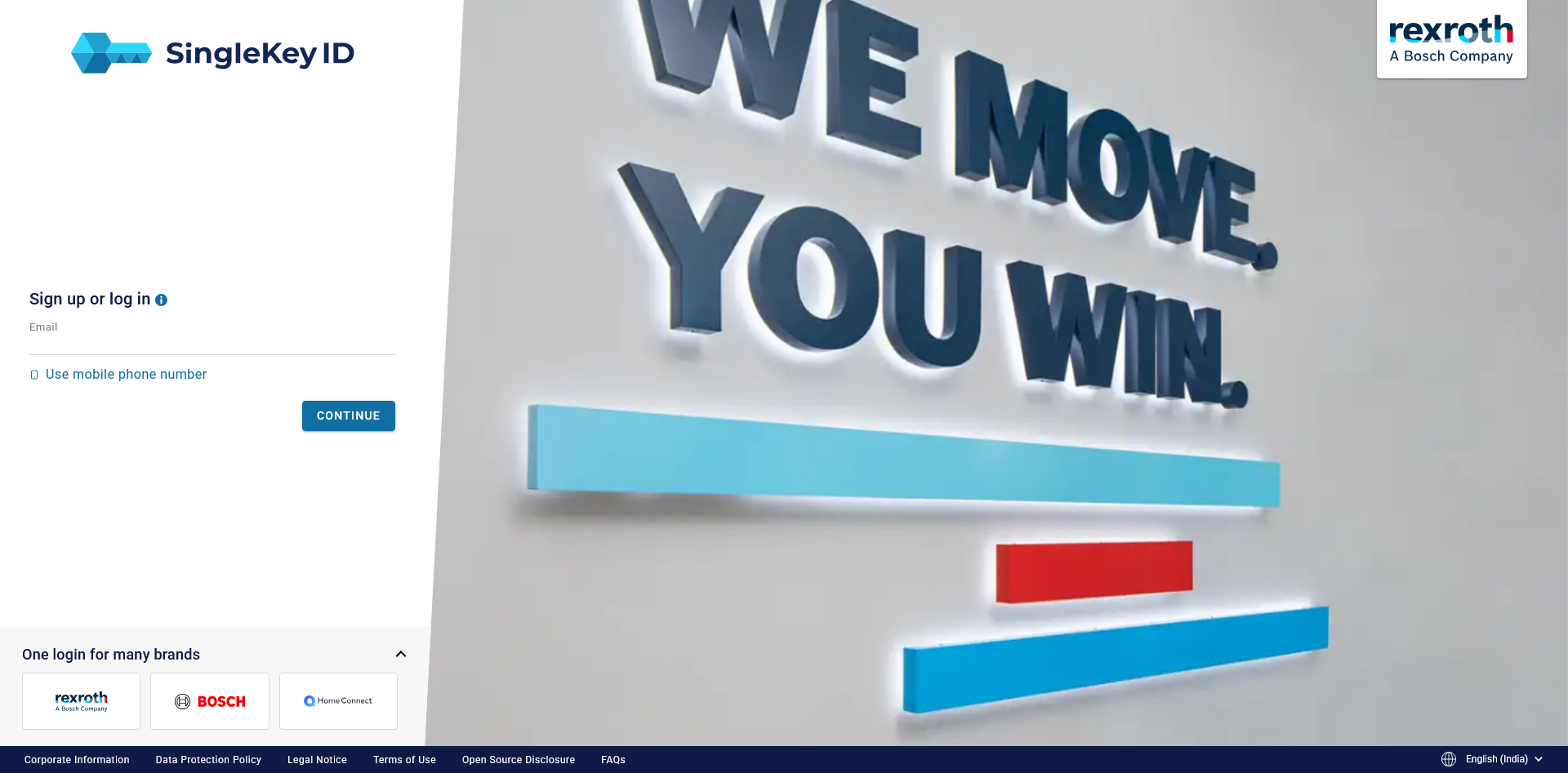
You will be redirected to the Bosch SingleKey ID page. Follow the on-screen instructions to complete your account setup by adding your address and company details using your SingleKey ID credentials.
-
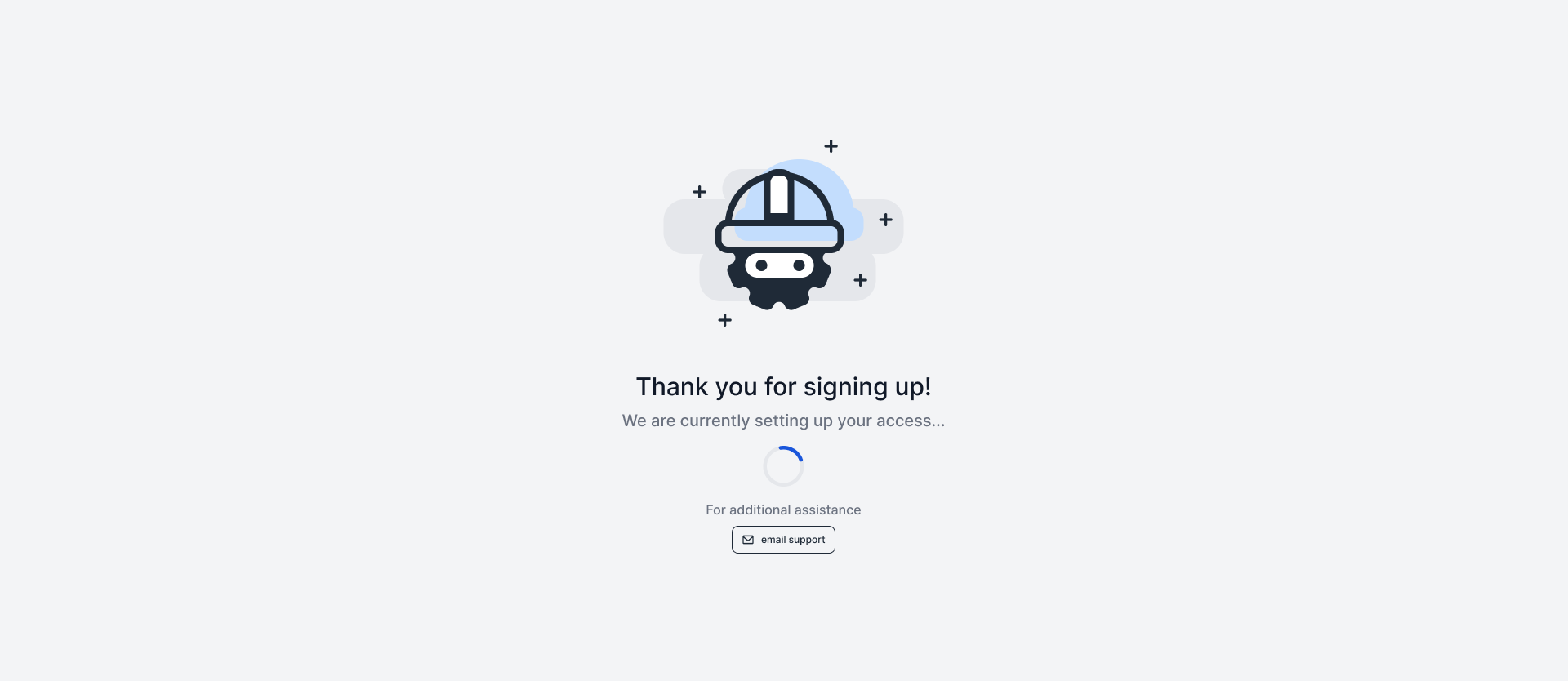
Once your account is created, you will be directed to the any.site waiting screen, where your credentials are verified.
Login instructions
For end users
-
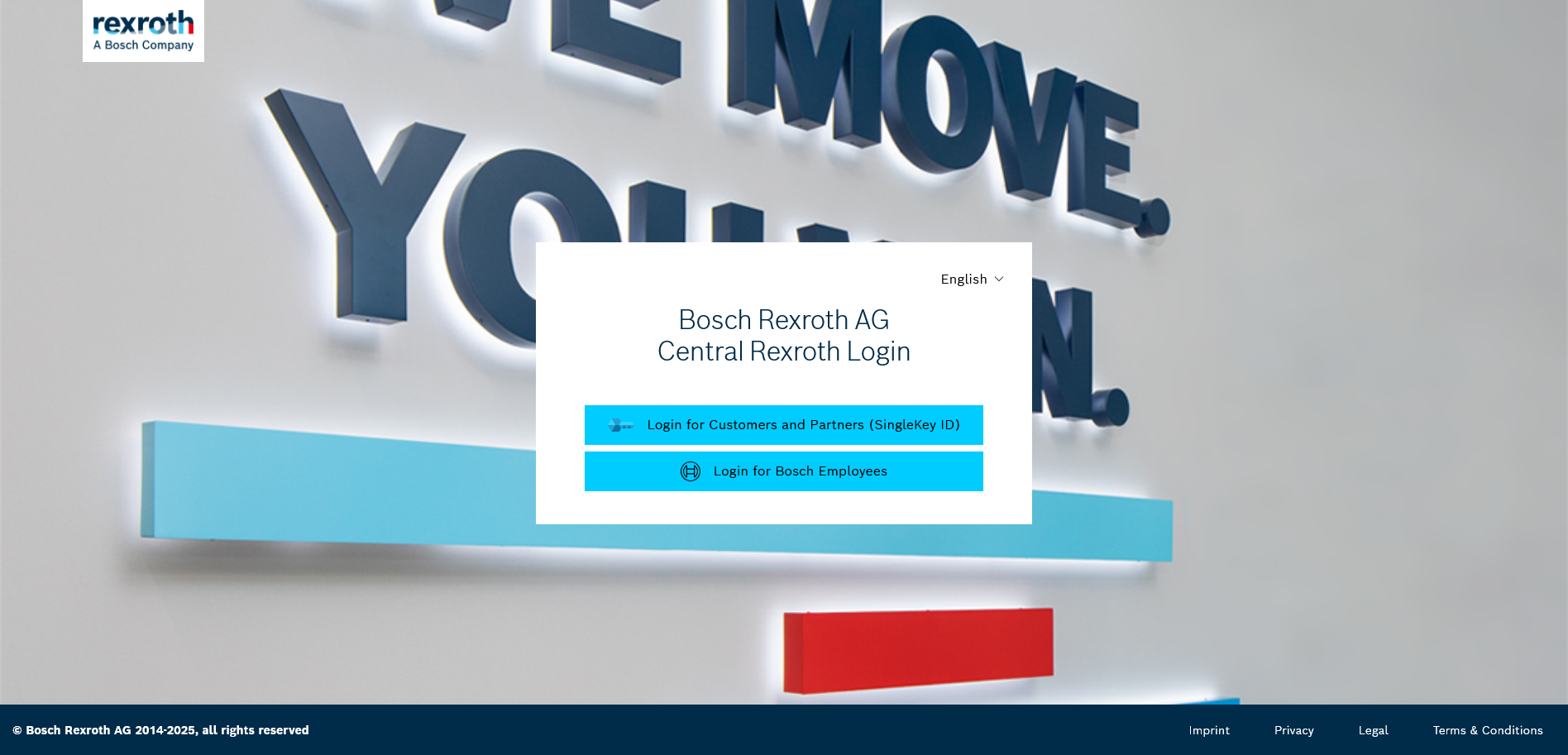
Open the any.site homepage and click on Login.
https://app.any-site.ai/
-
You will now be redirected to the Bosch SingleKey ID page. Enter your email address and password.
-
Click Continue. If your credentials are correct, you will be directed to any.site.
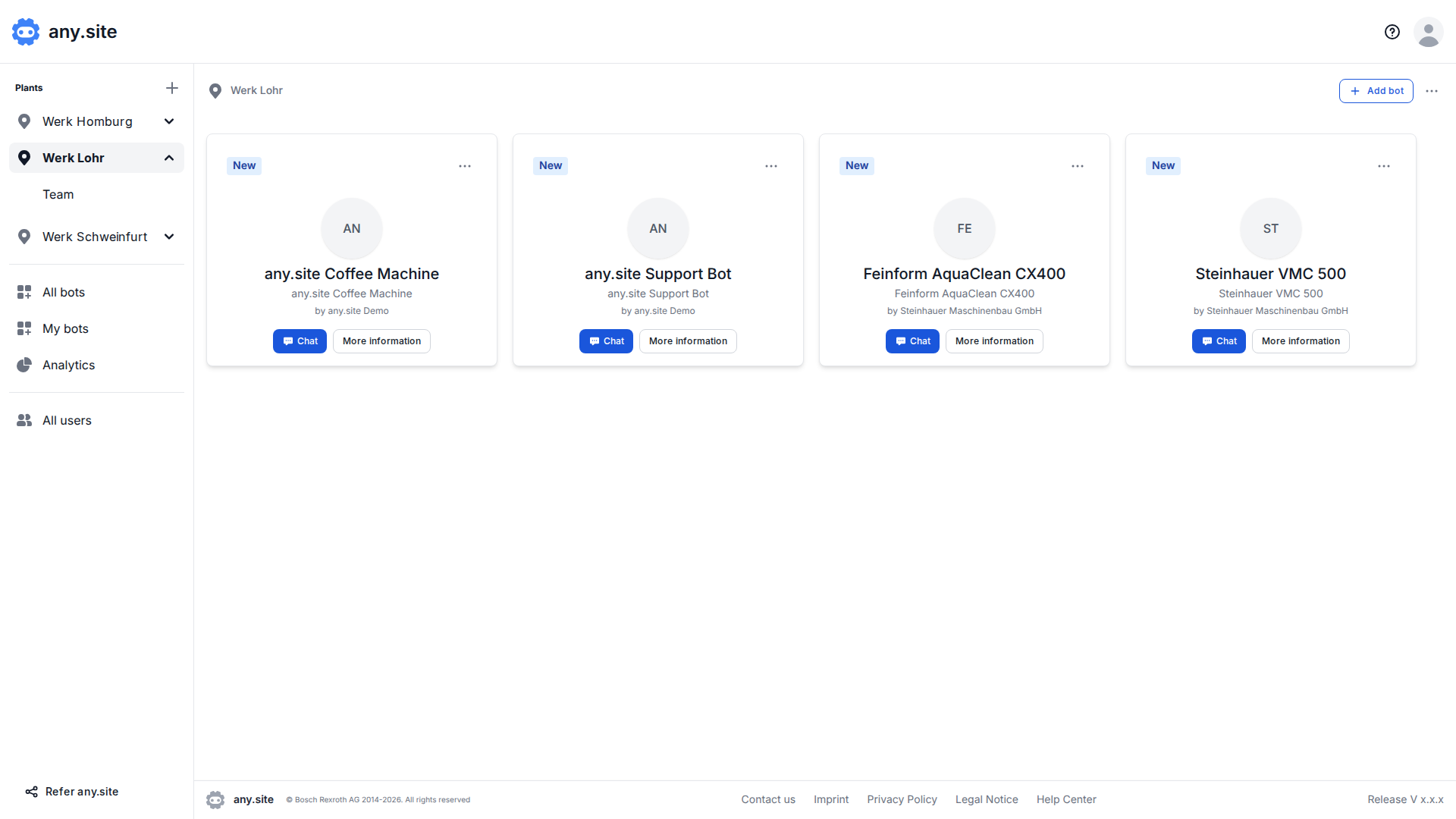
After login, admins will land on the All bots page and members on the overview page of their plant.
If not, please give us some more time. We still need to assign you the right role.
First steps for a plant admin
After successful verification, your registration is complete. You will see a confirmation screen indicating that your account is ready.
-
If you already have access to plants and bots, you will be taken directly to the any.site dashboard. If not, please contact your administrator to request access.
-
If you are the first administrator for your company, select Set up your company to continue.
-
Once access to bots is available, you can create and manage plants and teams, and add bots to them. To learn how to set up and manage plants, visit: Setup & manage plants.
First steps for a plant member
After successful verification, your registration is complete. You will see a confirmation screen indicating that your account is ready.
-
If you already have access to plants and bots, you will be taken directly to the any.site dashboard. If not, please contact your administrator to request access.
-
Once access to bots is available, you can see your plants and interact with the bots you have access to. To learn how to use bots, visit: How to use bots.
First steps for a bot provider
-
Once registered, click Set up your company to add or confirm your company details. You will be asked to accept the any.site Terms and Conditions before completing the setup.

-
With bot provider access in place, you can connect your bots and add companies that should have access to them. To learn how to provide and manage bots, visit: Provide bots, manage and analyze data.
Roles and permissions
Roles in any.site define what users can manage and access. Admins can create and manage plants, bots, and users, while members primarily interact with bots and view bot information.
| Feature | Admin | Member | Bot provider |
|---|---|---|---|
Create, edit, and delete plants |
✓ |
||
Add, edit, and remove bots |
✓ |
||
Add and remove users |
✓ |
✓ |
|
Manage roles (admin / member) |
✓ |
✓ |
|
Chat with bots |
✓ |
✓ |
✓ |
View bot information |
✓ |
✓ |
✓ |