How to use bots
Interacting with a bot
-
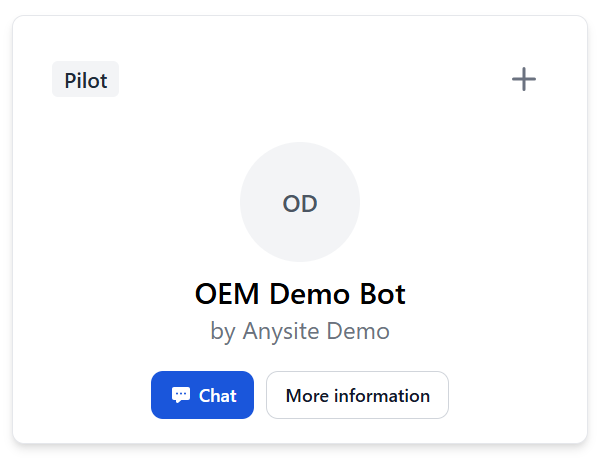
Open a bot’s detail page and click the Chat button to start a conversation. You can also start a chat from your plant’s overview page by clicking Chat on a bot tile.
-
On the left side you can see your previous chats.
-
The blue numbers in the bot’s answer are references to the documents in the Knowledge Bot’s knowledge base. Click on a reference number to navigate to the document page.
-
Click the Open document button to navigate to the original document source.
How to prompt
-
Be clear and specific: state your goal in one sentence.
-
One topic per message: avoid multi-question prompts.
-
Add minimal context: model, part, error code, or symptom (one line).
-
Specify the format: "bullet points", "checklist", "step-by-step".
-
Limit scope: "max 5 steps", "short and precise".
-
Include units where relevant: mm, Nm, °C, min.
-
Set language: "Answer in English", "keep it brief".
-
Refine with follow-ups: "shorter", "next step", "give an example".
Good examples
-
Step-by-step instructions to fix error code E12 on model X. Short, max 5 steps.
-
List the safety warnings for pump replacement on model X as bullet points.
-
Create a checklist for the 500-hour maintenance on model X. Only key points.
-
Which tools are required for bearing replacement on axis Y? Please list with sizes and units.