Managing Companies
Sending invites allows you as a bot provider to add new companies and users to your any.site bots.
Add Company
Open your companies bots page by clicking the menu on the left. Then open the desired bot’s details page. Click Add company at the top right, enter the email address in the pop-up window and click Add.
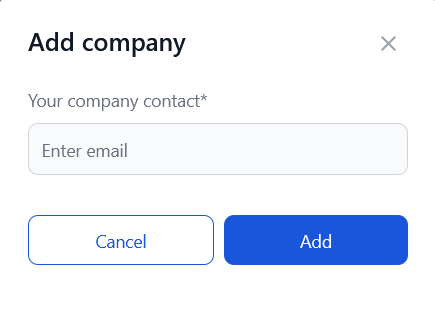
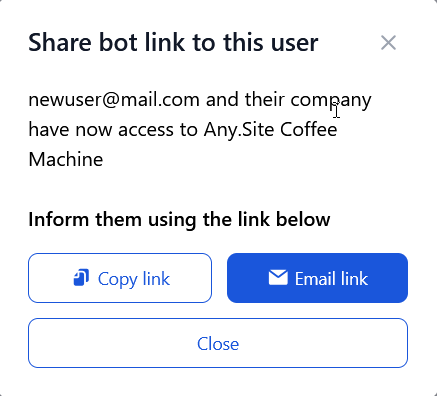
If the company of the user is in not registred to any.site, please share the invite link to any.site with them. If the company is already registered in any.site they will be added directly to the bots users.
Remove Company
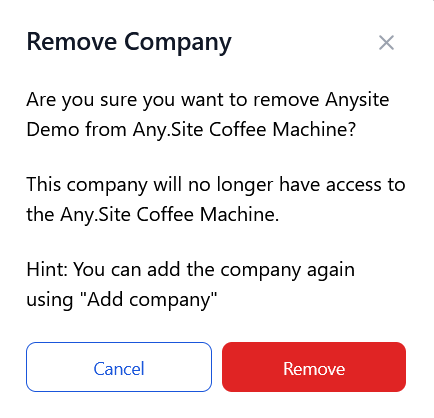
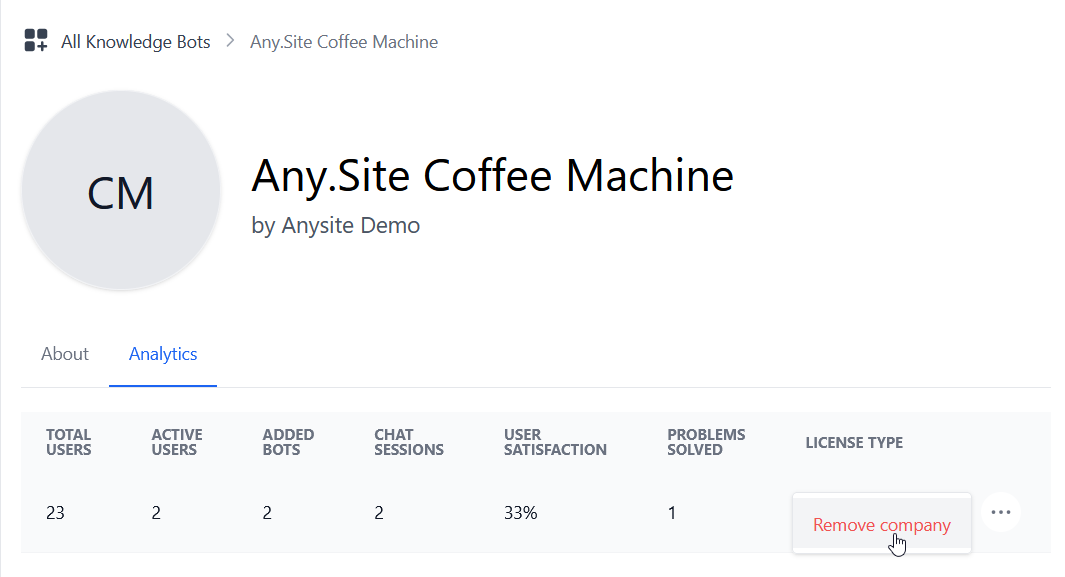
Open the bot’s details page by clicking the More information button on your bot. Switch to the Companies tab. Click on the Options at the end of the row for the company you want to remove from your bot and click Remove company.
Confirm the action by clicking Remove in the pop-up menu.